
Home / Learn & Help / Platform Quick-Start
Get comfortable.
Then take the next step.
Understand the checks to make before placing a trade. Use the current interface in your account for the exact controls.
Understand the workspace
Find the instrument, understand the workspace and review before acting.

Find the right instrument.
Use instrument search and confirm the full name and symbol. Check the specifications applicable to your account.
- 01Name & symbol
Confirm the exact instrument.
- 02Specifications
Check the conditions for your account.
Read the workspace.
Identify the selected instrument and timeframe before exploring the chart.
- 01Instrument
Make sure you are viewing the intended market.
- 02Timeframe
Know the period represented by the chart.
Review before taking action.
Check direction, size, applicable costs and margin before submitting an order. In the position area, distinguish open positions from completed trades.
- 01Direction & size
Review the intended exposure.
- 02Costs & margin
Read the applicable requirements.
- 03Position status
Separate open positions, pending orders and completed trades.
Use the right help route.
For an account-specific issue, use the Help Center inside your signed-in portal. If you cannot sign in, contact support@arkstonetradingpartners.com.
Understand your account summary
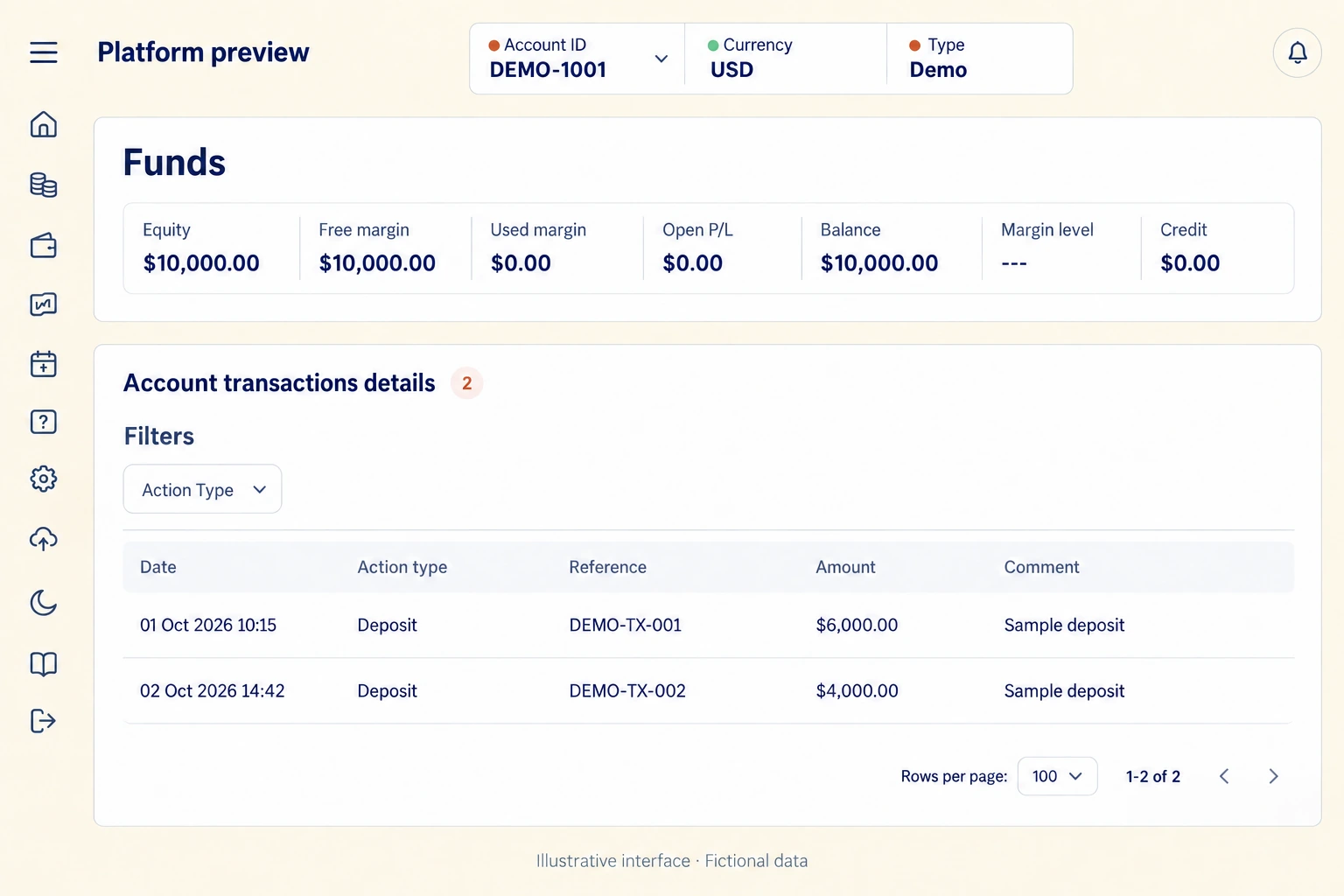
Distinguish balance, equity, free margin and used margin. Account transactions record funding activity; they are separate from the trading history.
Print this page or choose Save as PDF in your browser.