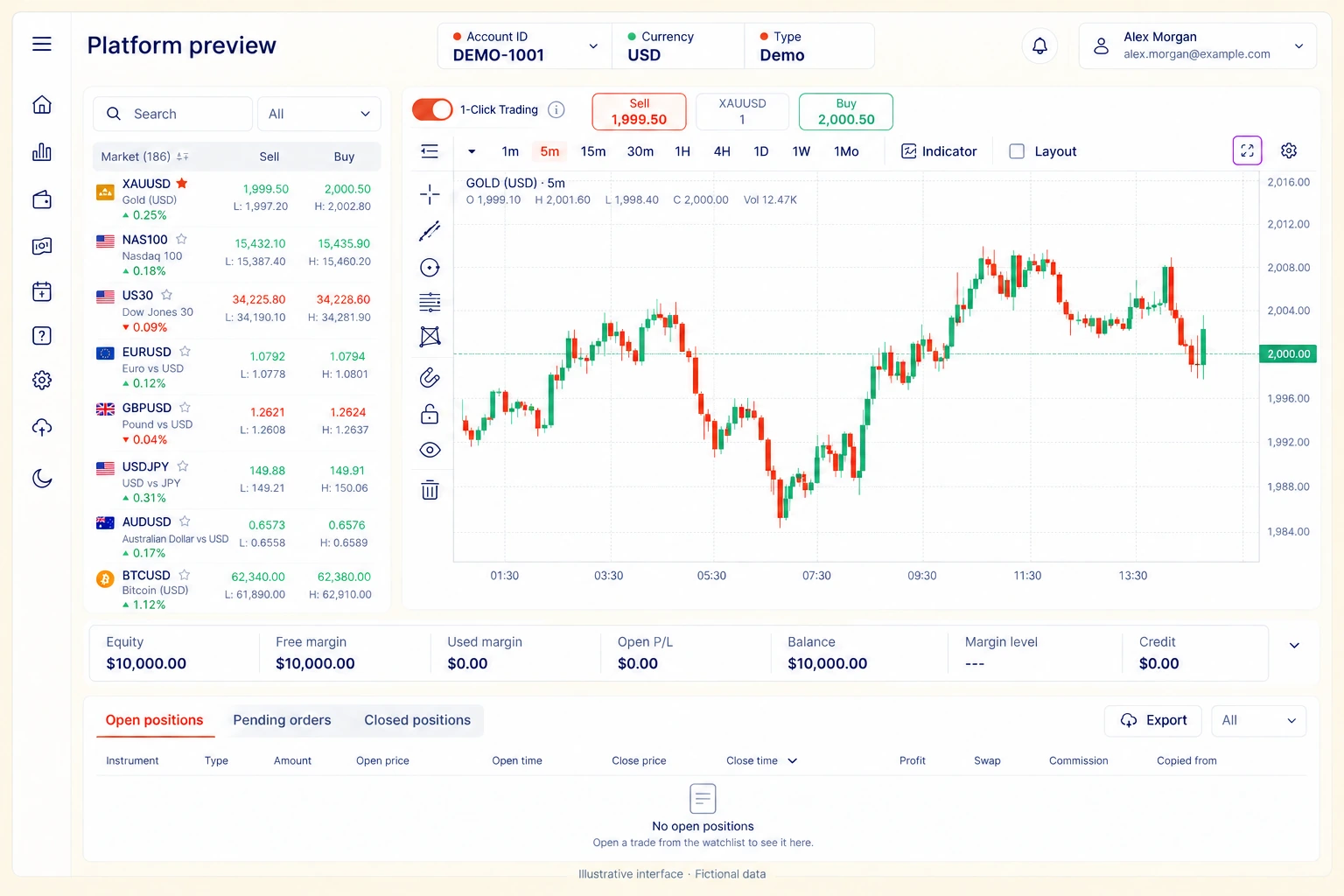
Instrument search
Confirm the full instrument name and the conditions applicable to your account.
Find the instrument, review the chart and understand the controls before placing a trade.

Confirm the full instrument name and the conditions applicable to your account.
Check the selected instrument and timeframe. A chart does not remove uncertainty.
Understand the difference between open positions and completed trades.
Check the instrument, direction, size, applicable costs and margin requirements. If a control is unfamiliar, consult the guide before proceeding.
Review trading conditions →Instrument and direction
Trade size and margin
Costs and available settings
Your understanding of the risk
Ask clearly, review assumptions and verify important details. AI can make mistakes.
Use the Platform Quick-Start guide alongside your account.
Review Trading Conditions and the current information applicable to your account and instrument.
The assistant provides explanations. It does not access your account or execute trades. Use the signed-in Help Center for account-specific issues.
Ark Stone Trading is now available for Android on Google Play. Download the app using the official store link below. The iPhone app is coming soon.
Android availability and compatibility are shown on Google Play. App Store release timing will be announced.
A proprietary, market-data-connected trading AI product in development, covering scalping, swing and longer-term strategy research. Monthly subscription plans, pricing and availability will be announced.
Explore what’s coming ↗Review the watchlist, chart timeframe, account summary and position area together. Values shown are fictional examples, not live prices or actual performance.