
Open your account.
Complete the checks.
Use the official portal and follow the verification requirements displayed for your account.
Identity, handled carefully
Use your own details and the official verification channel.

From registration to review
Ark Stone uses Sumsub for client verification. Follow the verification steps presented through your account.
Open the official registration page
Enter your first and last name, email, password, country code and mobile number. Read the displayed terms before registering.
Use your own accurate details
Make sure your details match your documents. Keep login credentials private.
Follow the verification workflow
Submit only the documents and information requested through the secure account flow. Requirements depend on your account and circumstances.
Check the status
Look for any request for further information in your account. Submission does not itself mean your account has been approved.
Keep documents in the proper channel
Do not send identity documents through social media or attach them to an initial general support email. Ask support for the secure submission route if you are unsure.
Open the registration portal ↗Common questions
How long does verification take?
Check the status in your account. No universal completion time is promised in this guide.
Which documents should I upload?
Use the current list in your account. Do not assume a document accepted by another service will meet the same requirements here.
Need help?
Use the Help Center inside your signed-in client portal for account-specific questions. If you cannot sign in, email support@arkstonetradingpartners.com. Never share your password or one-time codes.
Return to Learn & Help →Keep your profile accurate
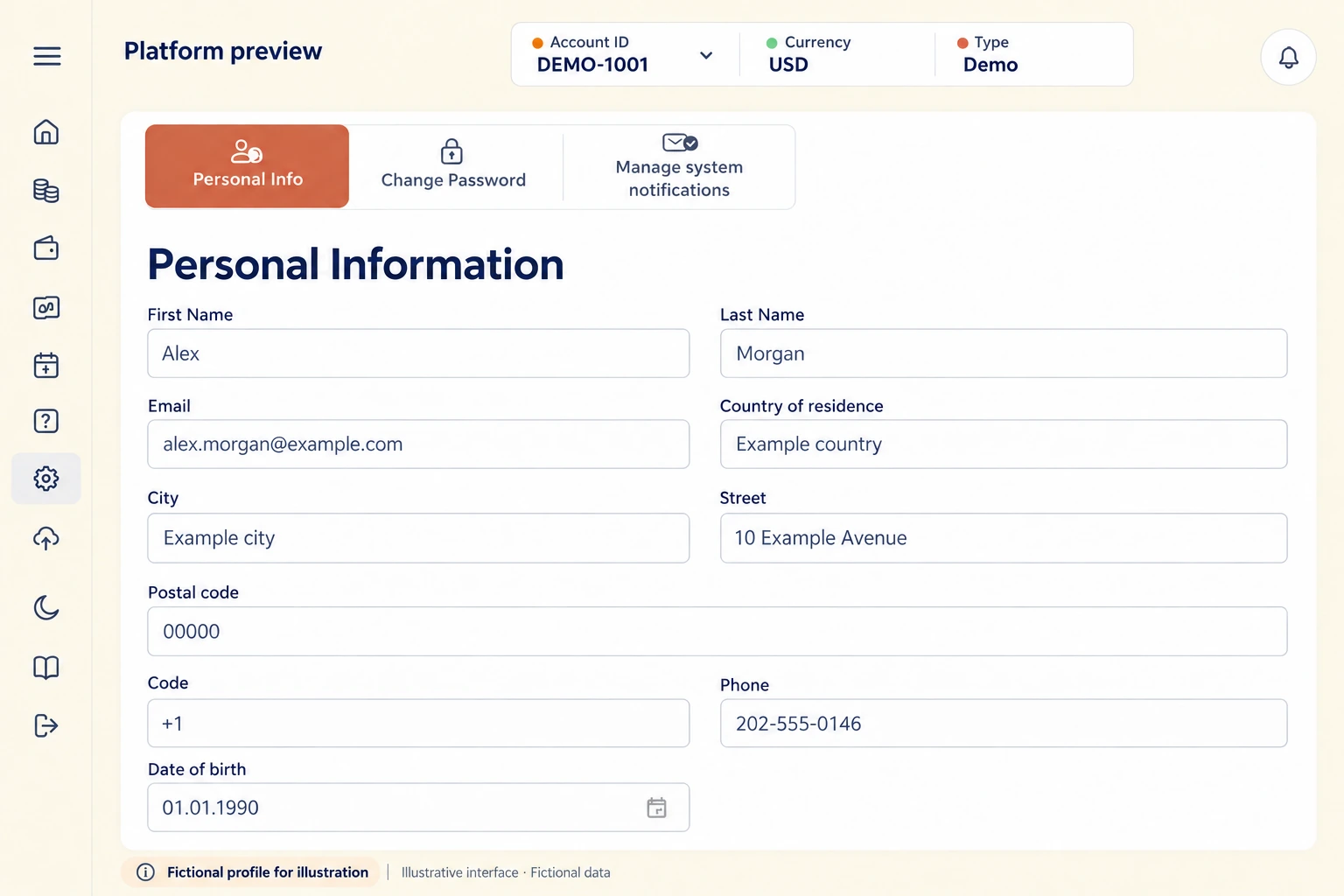
Use your own legal details in the actual account. The profile below is entirely fictional and illustrates the types of fields shown; it is not a registration form.
Print this page or choose Save as PDF in your browser.